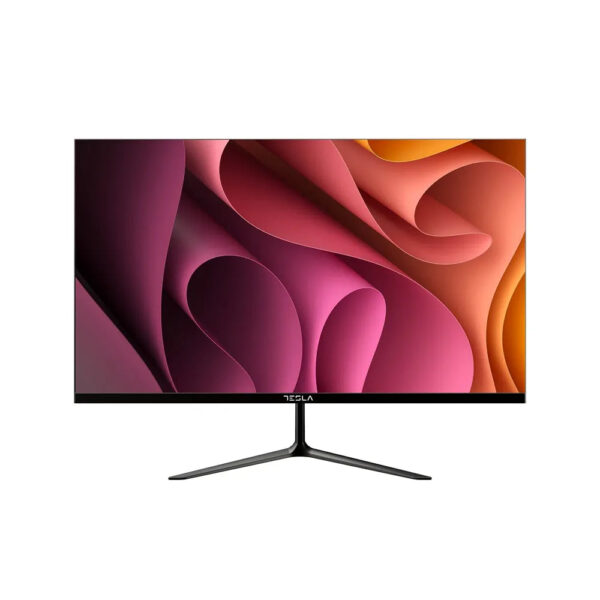
Tesla Office Monitor
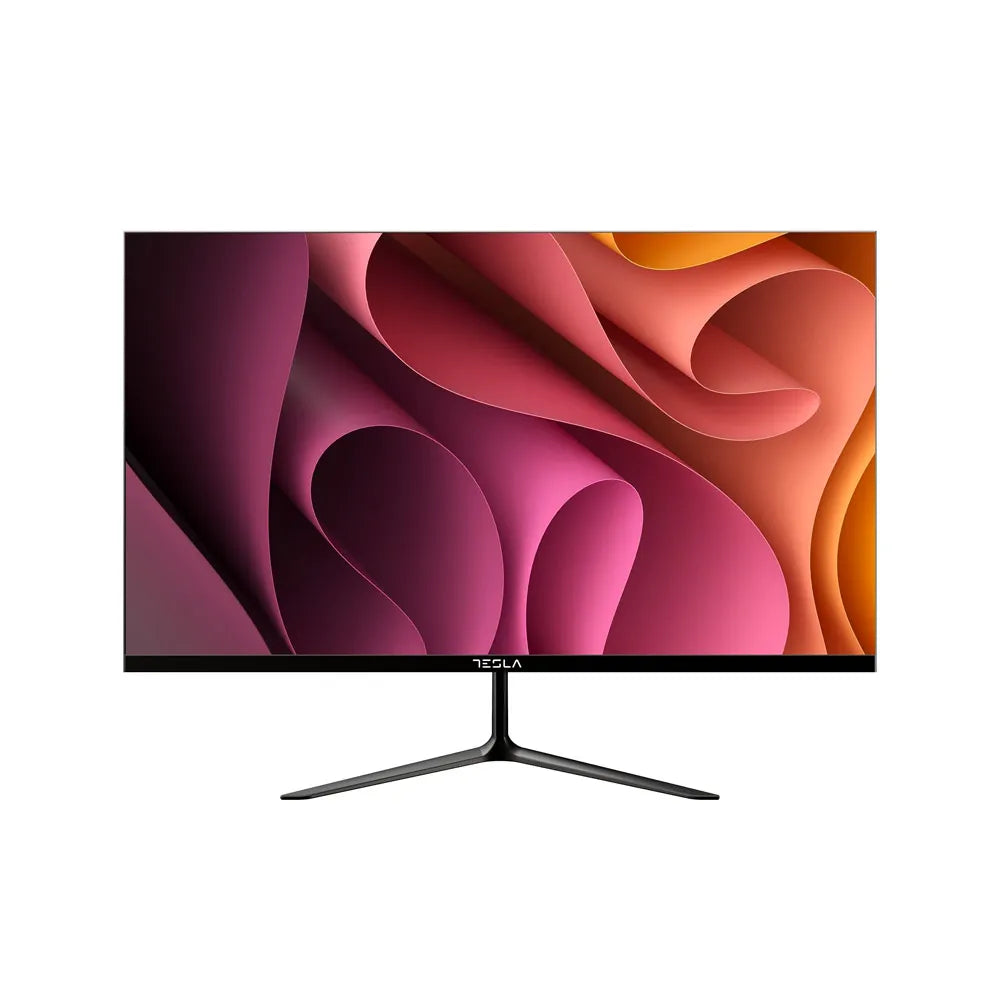
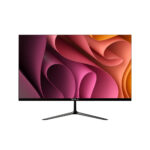
The Tesla Office Monitor is designed for productivity and clear visuals, featuring a high-refresh-rate IPS panel and versatile connectivity options. It’s ideal for office work, data analysis, and general use, providing sharp and accurate color reproduction.
Key Features:
- Display:
- Size & Type: 75Hz Refresh Rate
- Panel Type: IPS (In-Plane Switching) for better color accuracy and wider viewing angles
- Resolution: Full HD (1920 x 1080 pixels) for clear and detailed visuals
- Aspect Ratio: 16:9 for a widescreen viewing experience
- Connectivity:
- HDMI: 1 HDMI port for connecting to various devices such as computers, laptops, and gaming consoles.
- Additional Ports: Check for other connectivity options like VGA or DisplayPort depending on the model.
- Design:
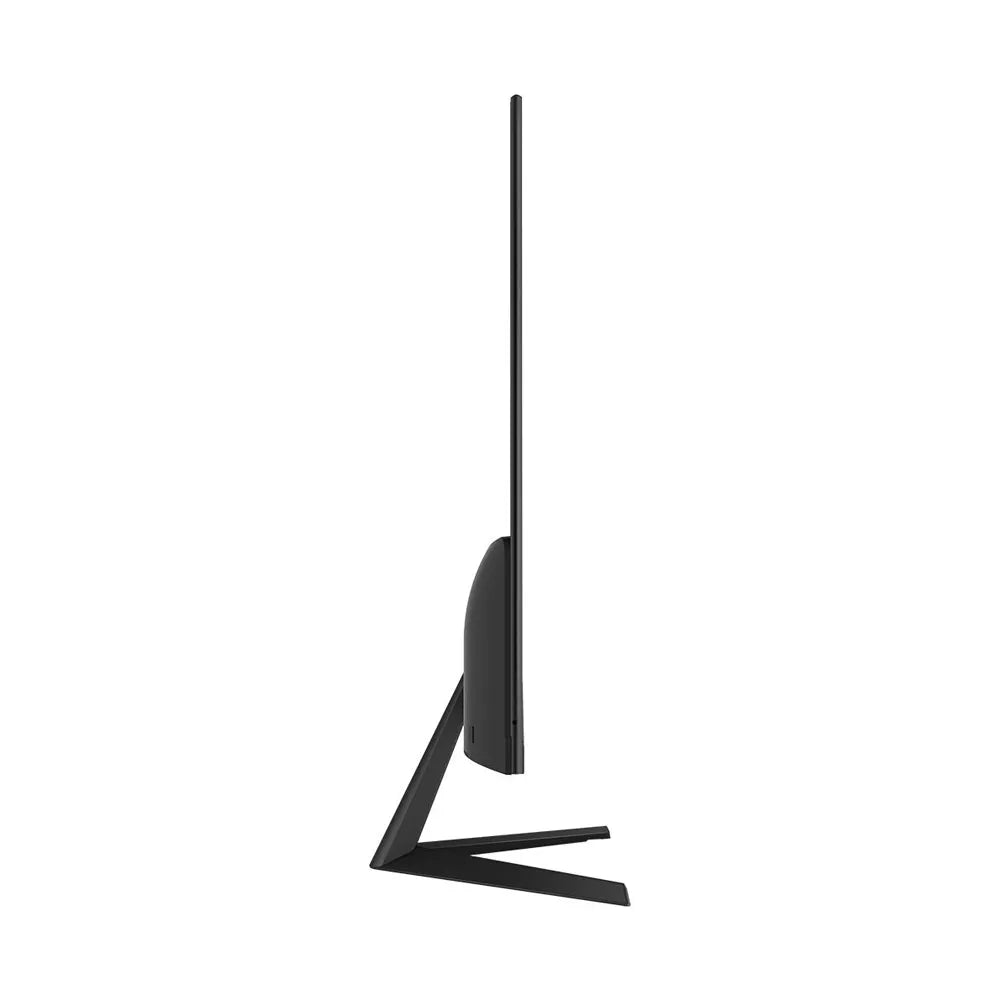
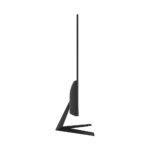
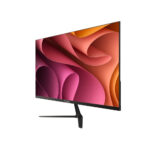
- Bezel: Slim bezel design for a modern and sleek appearance.
- Stand: Adjustable stand for tilt and height adjustments, ensuring ergonomic comfort.
- Performance:
- Refresh Rate: 75Hz for smoother visuals, reducing motion blur in fast-moving content.
- Brightness: Typically up to 250-300 nits for clear visibility in various lighting conditions.
- Additional Features:
- Color Accuracy: IPS panel offers consistent and accurate color reproduction.
- Viewing Angles: Wide viewing angles of up to 178 degrees horizontally and vertically.
- Ergonomics: Adjustable stand allows for comfortable viewing angles and reduces strain during extended use.
Specifications:
- Model: Tesla Office Monitor
- Refresh Rate: 75Hz
- Panel Type: IPS
- Resolution: 1920 x 1080 pixels (Full HD)
- Aspect Ratio: 16:9
- Connectivity: 1 HDMI port (check for additional ports)
- Brightness: Up to 250-300 nits
- Viewing Angles: 178 degrees
Usage Tips:
- Setup: Connect the monitor to your computer or other devices using the HDMI port. Adjust the stand to your preferred height and angle for comfort.
- Calibration: For optimal color accuracy, consider calibrating the monitor using built-in settings or calibration tools.
- Viewing Comfort: Adjust the brightness and contrast settings to suit your environment and reduce eye strain.
- Maintenance: Keep the monitor screen clean using a microfiber cloth and avoid using harsh chemicals.
The Tesla Office Monitor provides reliable performance with a 75Hz refresh rate and IPS panel technology, making it a great choice for both professional and personal use.







Reviews
Clear filtersThere are no reviews yet.